Cold below 36°C; Freezing at 34.5°C or lower. Hot above 38°C; Overheating from 40°C.
HUD · Body temperature · Survival
Temperature Bar
34.2°C · 102.6°F. Feel the heat and cold.
Body temperature changes gradually with biomes, weather and your surroundings. Download Standard free with a text HUD; Omnixel on Patreon adds all five HUD styles.
Published on TDGL
- Bedrock
- 1.26.30+
- Version
- v1.2.2
- Release
- Public Beta
- Package
- MCADDON · 23.7 KiB
- Script API
- @minecraft/server 2.8.0
What it does
- Gradual body temperature: cold causes Slowness, heat causes Weakness, and prolonged extremes can deal damage.
- Standard and Omnixel include the full biome model, day/night, rain, altitude, shelter and wetness.
- Warm up near heat sources, wear leather against the cold, or cool down in water.
- Switch °C/°F and English/Vietnamese. Toggle numbers and status labels independently; the frame turns blue/red with temperature.
- Omnixel: Modern, Classic, Circle, Sphere and Text. Standard: Text. Lite: Text with three climate groups.
- Temperature and preferences persist per player, with a protection period after joining or respawning.
LITE / STANDARD / OMNIXEL
Choose your edition.
| Feature | Lite | Standard | Omnixel / Full |
|---|---|---|---|
| Climate | Desert · Snowy Plains · Nether | Full model | Full model |
| HUD | Text | Text | Modern / Classic / Circle / Sphere / Text |
| Day/night · Rain climate modifiers · Altitude | No | Yes | Yes |
| °C / °F · EN / VI | Yes | Yes | Yes |
| Survival penalties | In supported zones | Yes | Yes |
°C / °F · UI
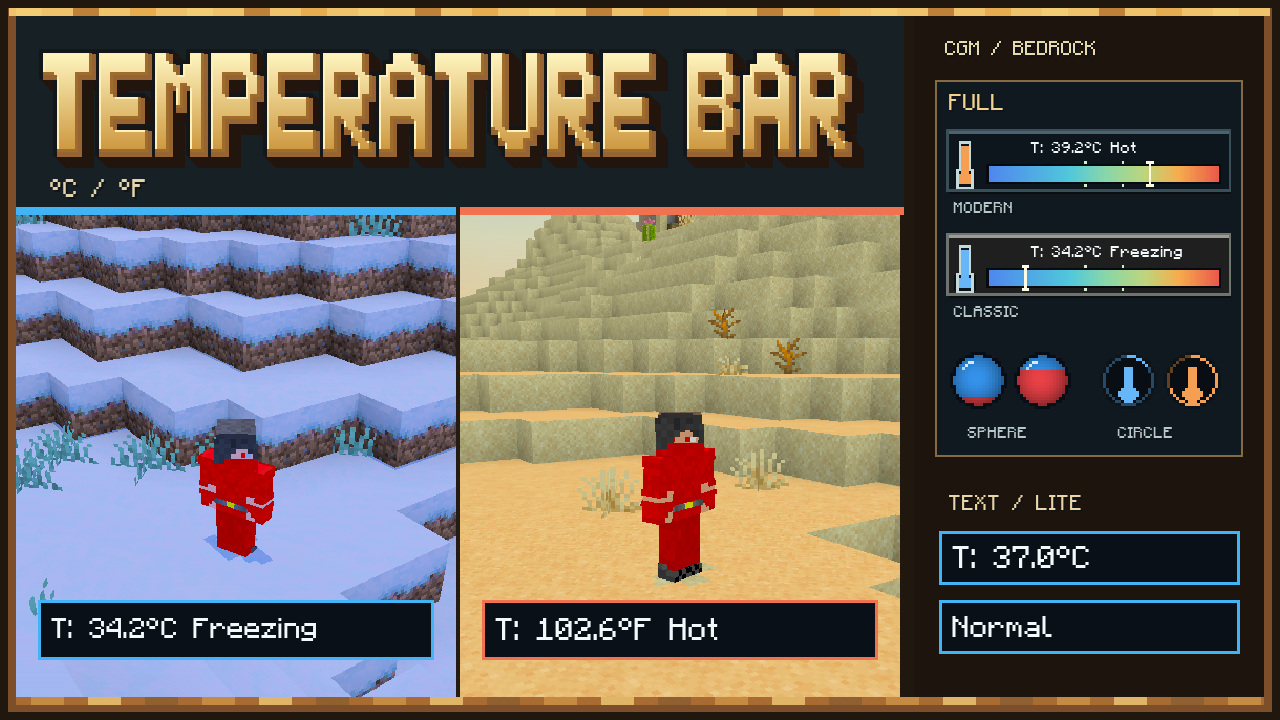
Clear numbers. Five HUD styles.
TEMPERATURE BARIN-GAME
TEXT · °C / °FGIF
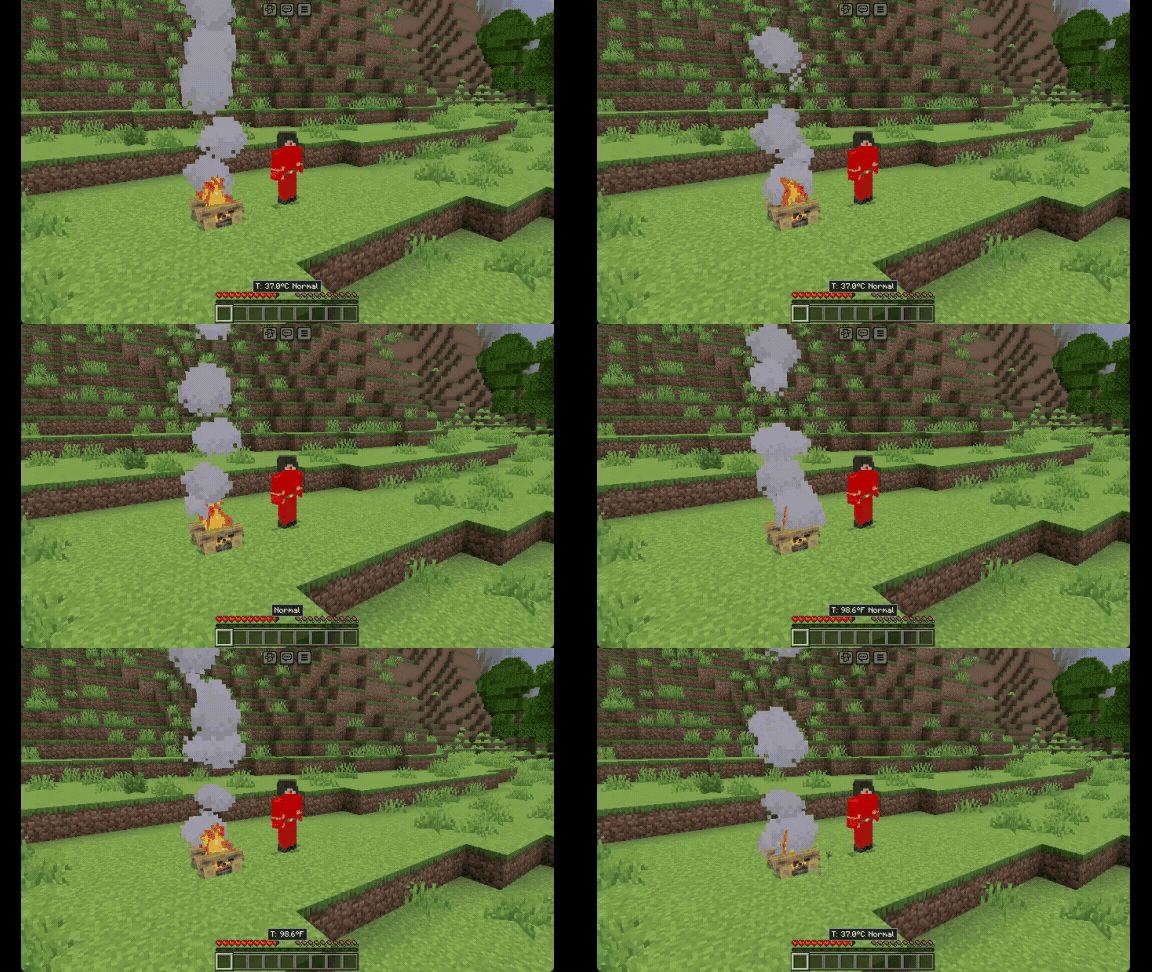
HOT / COLD
From frozen snow to desert heat.
OMNIXEL · 93.2°FIN-GAME
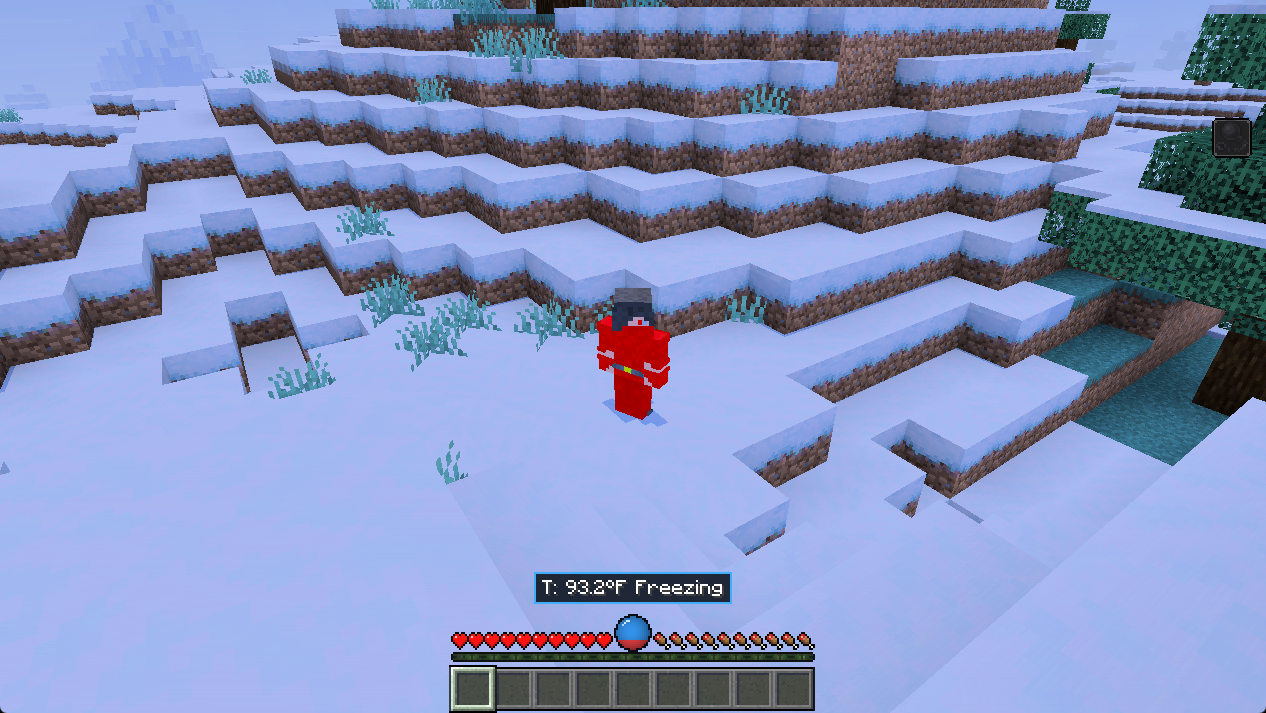
OMNIXEL · 102.6°FIN-GAME
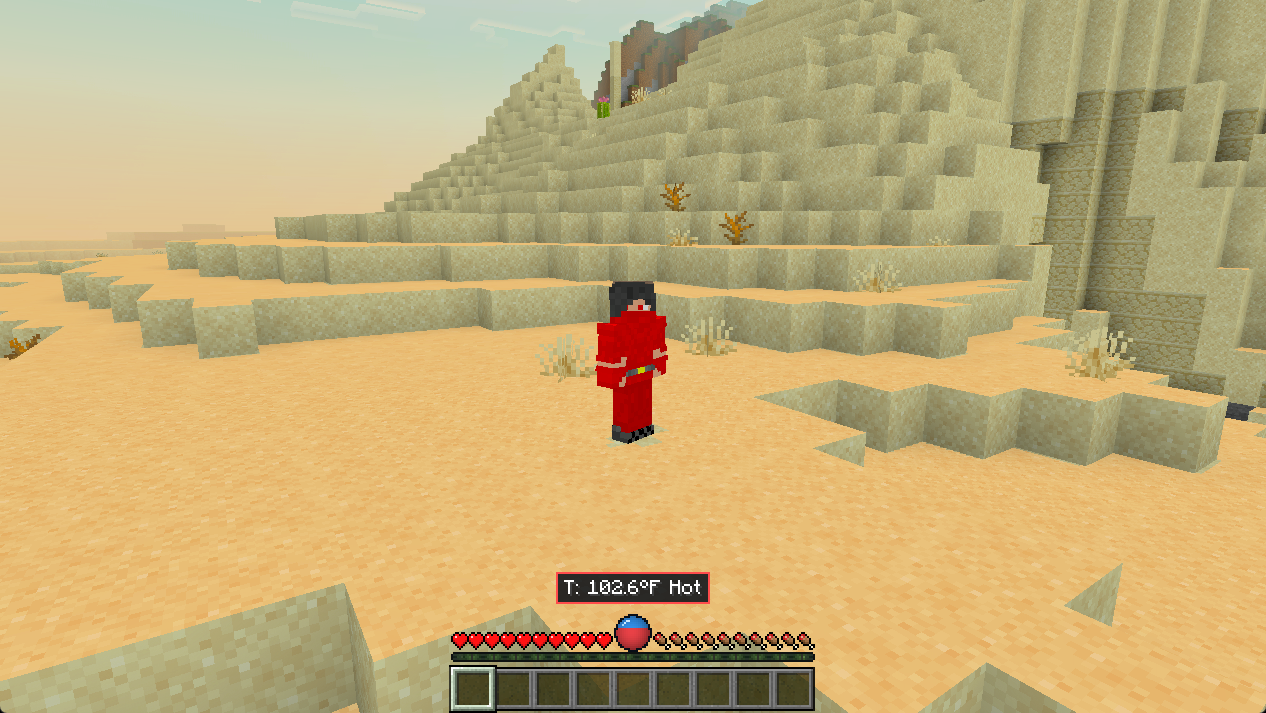
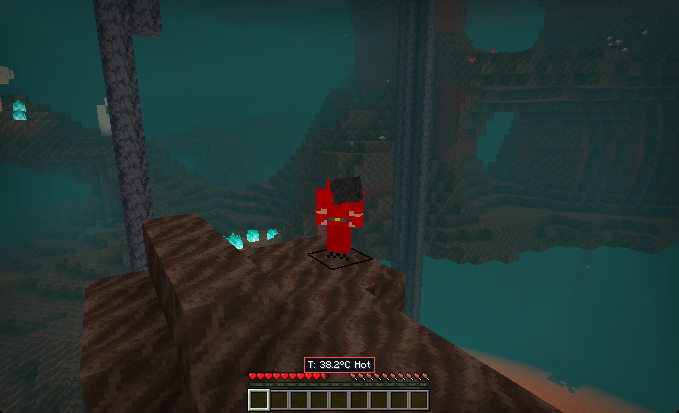
LITE · NETHERIN-GAME
SURVIVAL
Temperature has consequences.
Rain and water add wetness; leather insulates; armor and sprinting influence body temperature.
Standard/Omnixel: deserts, badlands, savannas, jungles, taigas, snowy mountains, caves, oceans, the Nether and the End have distinct climates.
Lite is neutral outside deserts, Snowy Plains and the Nether; body temperature gradually recovers toward normal.
CONTROLS
Adjust it in game.
Omnixel also offers /temperature:style modern, classic, circle, sphere or text. Standard and Lite use text only.
Installation
- 1
Download Temperature Bar Standard 1.2.2 here and open the .mcaddon in Minecraft Bedrock.
- 2
Activate the matching BP and RP in your world. Enable only one Temperature Bar edition per world.
- 3
Use /temperature:language en or vi and /temperature:unit c or f to change the display.
- 4
For the optional bridge: enable Stamina Standard + Temperature Standard Bridge BP instead of the original Stamina BP. Place Temperature Standard + Stamina + Held Torch HUD RP above the Temperature, Stamina and Held Torch RPs; keep Held Torch BP/RP active.
Compatibility
- Minecraft Bedrock 1.26.30+ with stable Script API 2.8.0. No Beta APIs toggle is required.
- The HUD uses JSON UI and supports Vibrant Visuals. Packs replacing hud_screen.json may require a bridge or RP priority changes.
- The optional bridge targets Stamina Bar Standard 1.11.2 and Held Torch Light 2.3.1; choose the matching Temperature Standard or Omnixel package. Disable older Stamina/Held Torch HUD bridges.
- Creative and Spectator receive no survival penalties. Temperatures are simulated addon values.
- Shipped JavaScript is obfuscated. Public downloads contain no TypeScript source or source maps.
Public Beta notes
- Public Beta: native Windows captures are from Full 1.2.1 and Lite 1.2.2. Standard 1.2.2 passed automated protected-runtime checks; no separate native session was run. Phone, console and two-device coverage remains unverified.
Release notes
PUBLIC BETATemperature Bar v1.2.2Public Beta · 17 Nov 2026
- 1.2.2: separate text-HUD Standard and five-HUD Omnixel releases, with the full climate model in both.
- Obfuscated shipped JavaScript and updated the native 32px CGM icon.
- Lite 1.2.2 limits climate to deserts, Snowy Plains and the Nether on CurseForge.