Khối cỏ 3D
Explore voxel terrain with 24 × 24 pixels per face. Rotate the model, adjust the grass length and change the wind direction on the slopes.
Published on TDGL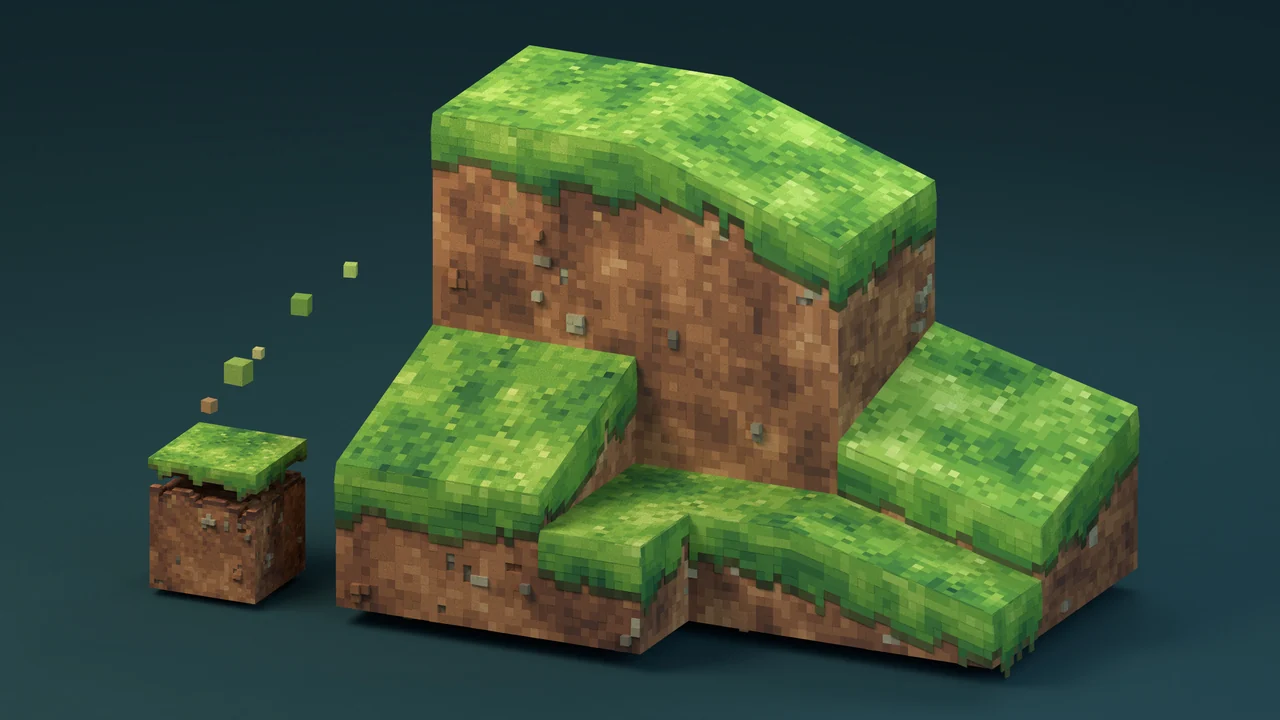
Open the project preview.
The preview loads when you open it. Use its controls to orbit, choose a specimen or read the dossier. Close the preview when you finish exploring.
Explore the project
- Switch between full blocks, slabs, notched corners and full-length slopes.
- Choose one to five grass layers, turn on wind and export the current view as a 24 × 24 PNG.
Controls
- ↔ / ↕
- Drag to orbit and tilt the model.
- + / − / 0
- Scroll to zoom or double-click to reset. With the Rotate button focused, use +, − or 0.
Use a modern browser; playback controls are inside the preview.
Project files
- Renderer
- Canvas 2D
- HTML file
- 101 KB
- Build updated
- Previews
- 1
- Status
- Load checked
khoi-co.html
Download this HTML buildDownloads preserve the original source. Web-player compatibility fixes do not overwrite it; some builds require external libraries or companion files.
HTML file fingerprint (SHA-256)
be781055d4dd151d048917029e4139e0c288432555906c9aac7be502df6f6cc3
Another world is waiting.
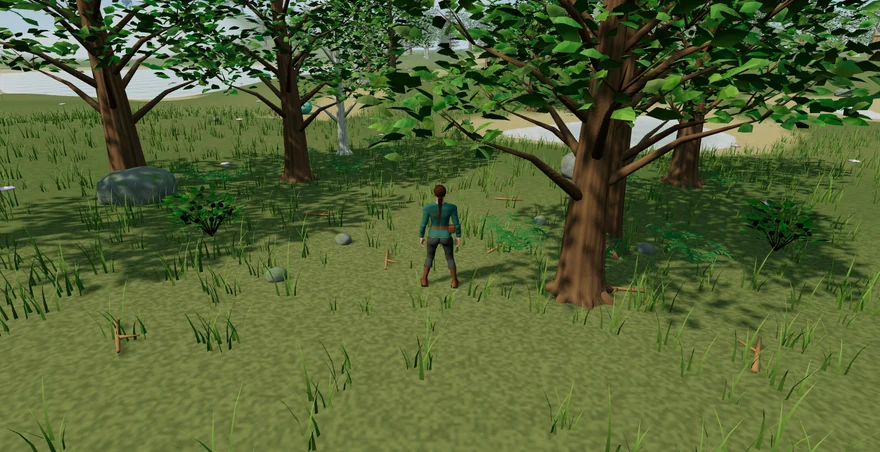
Game 3D
Aetherwild · Thung lũng thức giấc
A 3D survival game with male/female characters, resource gathering, crafting and modular house building. Choose free survival or Mira’s story, enable village residents and save your journey in the browser.
Published on TDGL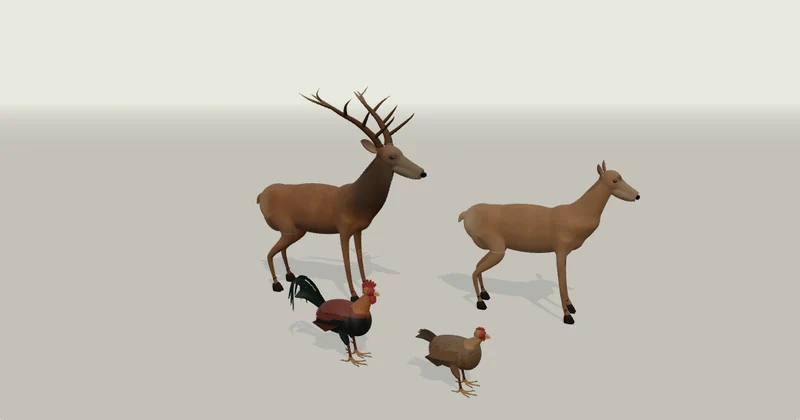
Animal realistic
Animal realistic · Wildlife Atelier
Blender-authored realistic animal collections: Deer & Chicken, Monkey & Bear, Noir Crocodile and Asian Elephant. Each has its own interactive 3D viewer for direct form and camera inspection.
Published on TDGL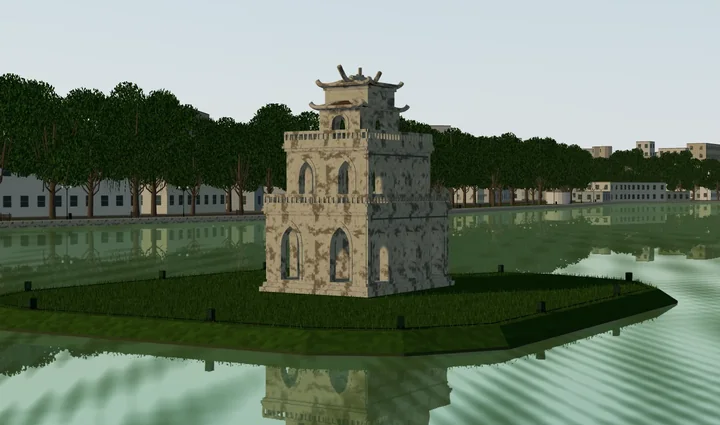
Phục dựng 3D
Hồ Gươm · Không gian 3D
An interactive 3D Hoan Kiem Lake scene from the Hanoi environment and architecture reconstruction project.
Published on TDGL